A real store, live
Clone Pizza has its own site.
A pizzeria in Curitiba. It moved from a third-party menu to a site designed for the brand: a pizza builder with up to 4 flavors, orders wired to the back office and support in one inbox.
- 73flavors on the menu
- 4flavors on one pizza
- Primecustom site, live
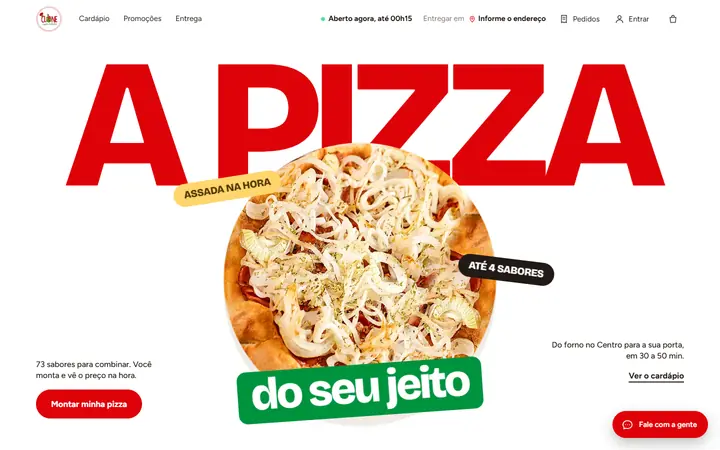

Screenshots of the live site, on 10/12/2026.
Project: Clone Pizza
It had a website and a third-party menu. Today it is one place.
Clone Pizza, in Curitiba, sold from two separate addresses. It moved to the platform with a site built for its brand and its operation. This is the project, from the study to the order.
Before: two addresses
A website that showed the brand and could not take an order, and a third-party digital menu, at another address and with another look. Flavors were picked from a text list, with no photos, and the delivery fee only showed at the end. Measured on Oct 10, 2026.
Now: one place
Site, menu, builder, delivery and panel in the same place, with the restaurant's brand from start to finish. The order the customer closes goes straight into the team's queue.
No result numbers: the after has not been measured yet. When it is, it goes here with date and method.
The study: the identity comes from the logo
The colors were measured on the restaurant's logo. The type and the layout came from a study of food brands the owners admire, before any screen was drawn.
- Bricolage Grotesqueheadlines
- Figtreebody
- Red#DE0209
- Green#00933E
- Yellow#FFD56C
- Cream#FFF3DF
- Ink#1A110C
The DNA in five lines
- Flat fields of color, no gradients
- Giant headline, in capitals
- Real product photo, large and from above
- Categories as blocks of color
- Badges and bands that look like signage
The home page in motion
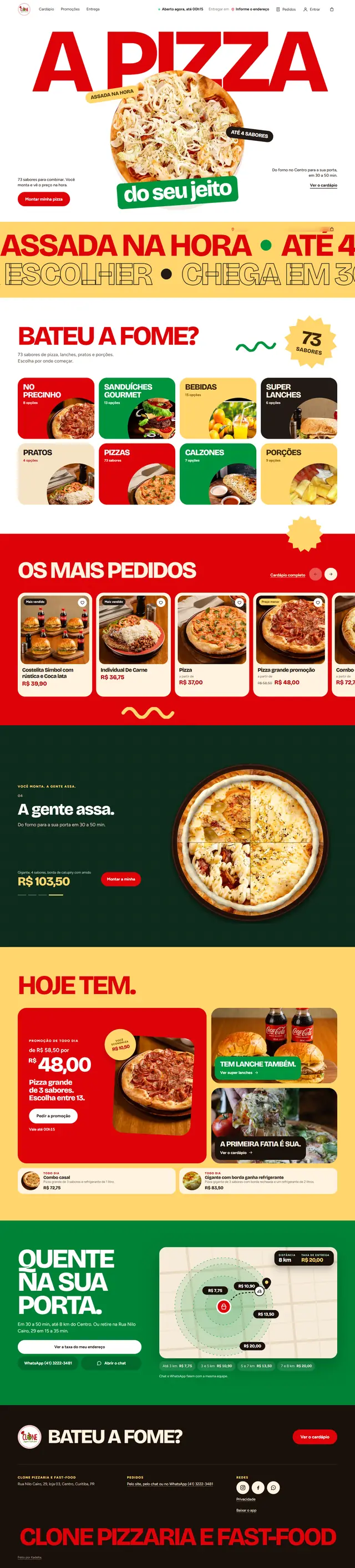
The page scrolls inside the frame as you scroll this one. These are real captures of the live site, taken on Oct 12, 2026.
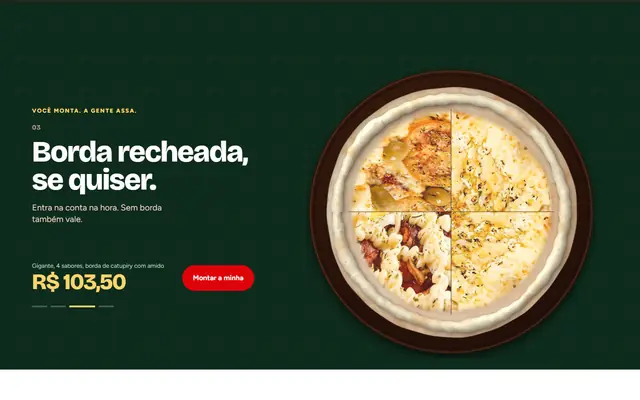

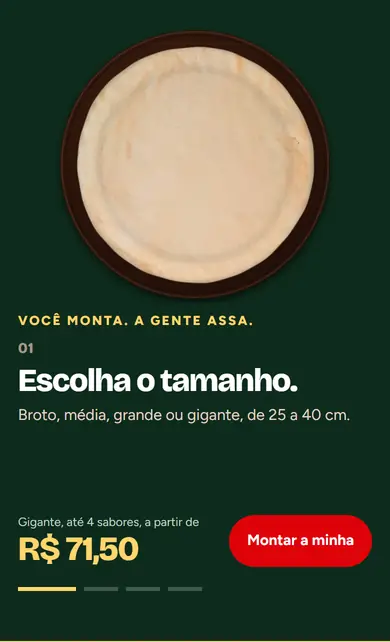
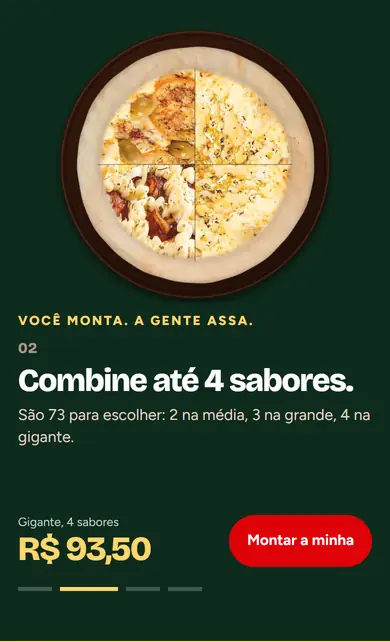
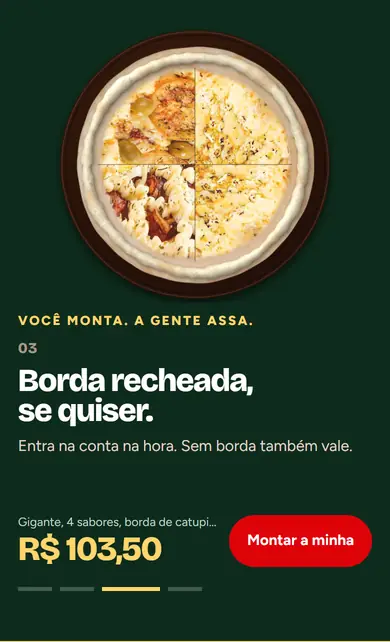
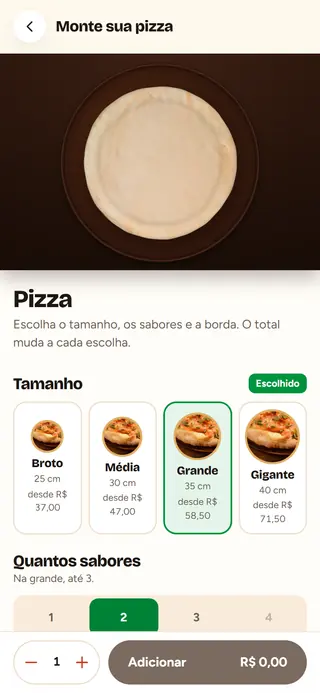
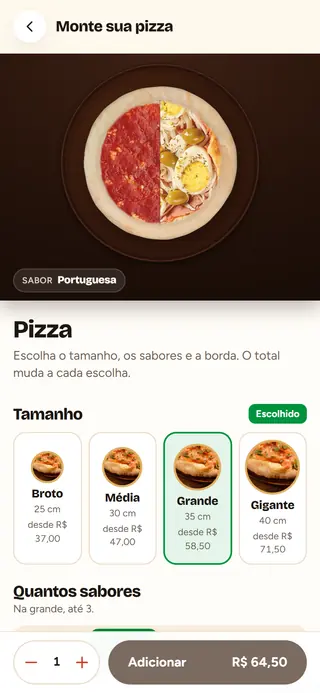
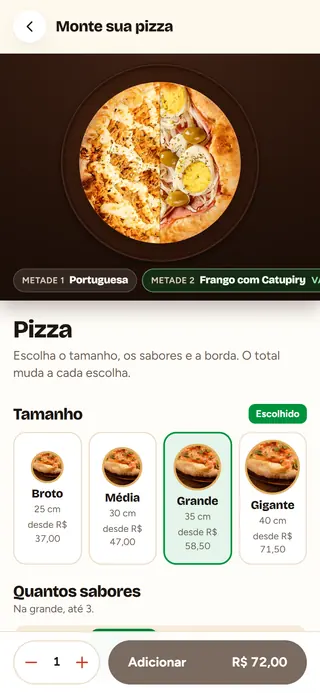
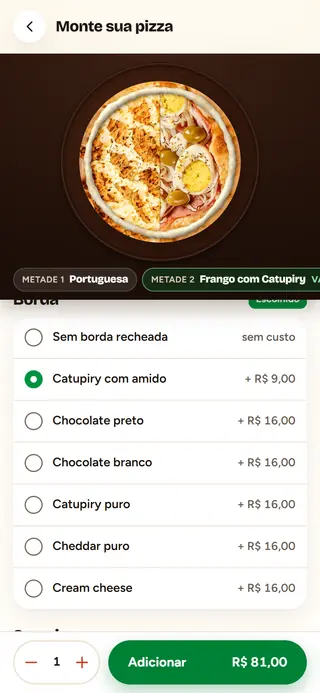
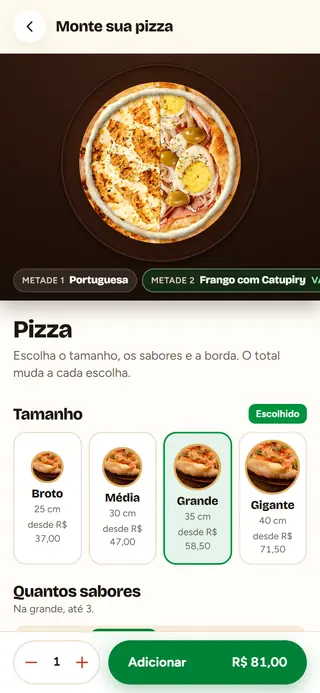
The pizza builds itself on screen
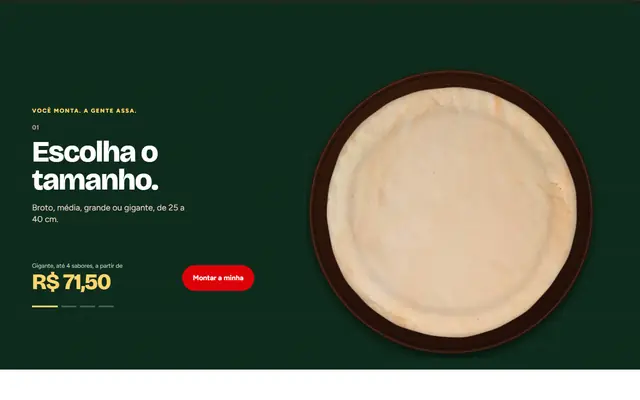
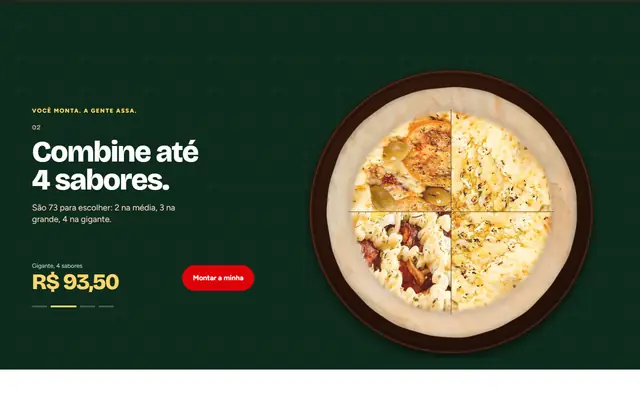
Every tap changes the pizza and the price on the button. These are five frames of the same screen of the site.
Size
The dough shows up in the chosen size.
First flavor
The chosen half gets the photo of the flavor.
Two flavors
The other half comes in, and the price on the button follows.
Crust
The stuffed crust joins the pizza and the total.
Ready
The button turns green, with the total for the pizza.
The order, from menu to door
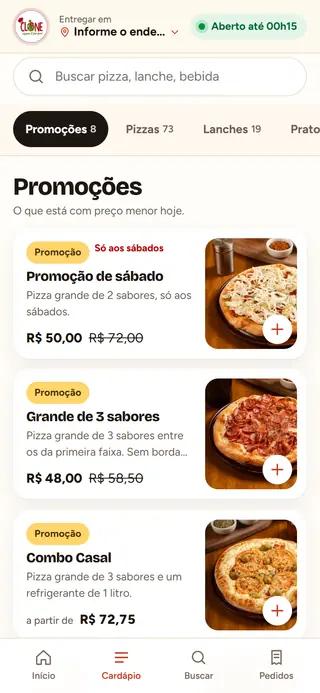
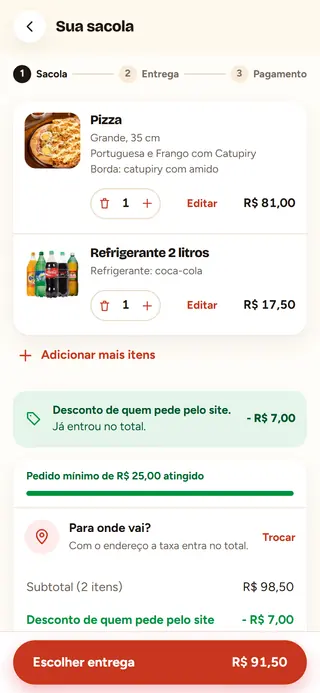
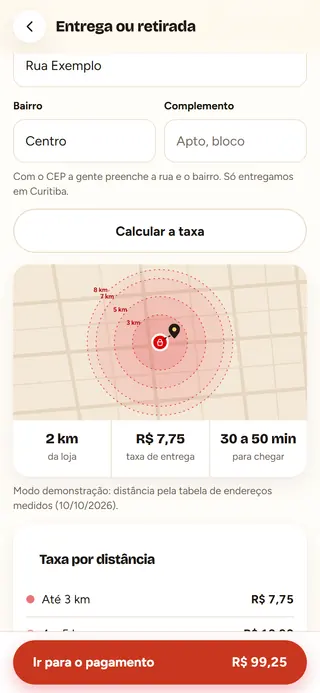
Six screens, one site. The fee shows before checkout, and the customer tracks the order on the page where they placed it.

Menu
Categories, photo, price and the deal of the day.
Builder
Size, flavors, crust and the price on the button.
Bag
The items, the discount and the minimum order.
Delivery
Address, distance, fee and time.
Payment
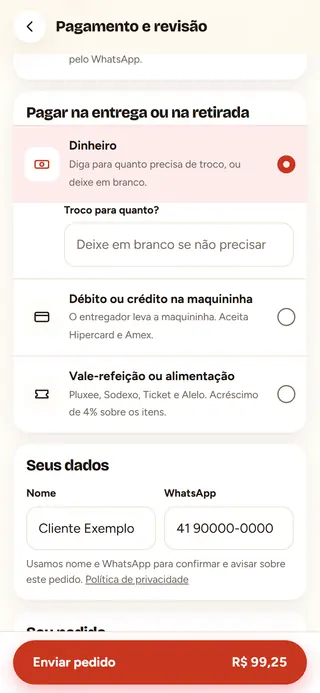
Pix, cash or card machine. Name and WhatsApp, no password.
Tracking
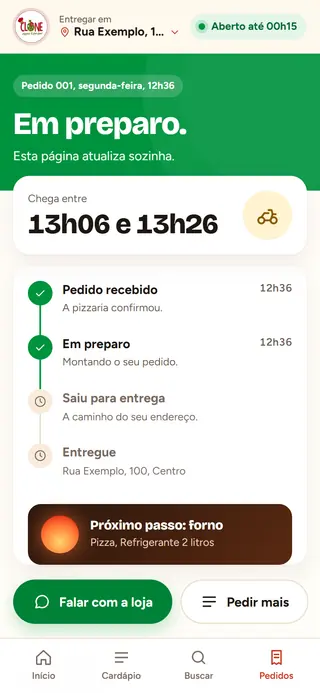
The order moves on screen, from accepted to delivered.
The order lands in the panel
What the customer closes on the site joins the team's queue, with a sound, and moves from column to column. Nobody types it again.
The platform's panel, with demo data.
The customer's phone with the order confirmed and, beside it, the panel board with the new order card in the first column.
And the inbox answers
WhatsApp and site chat in the same inbox. The AI answers questions about delivery, opening hours and the menu, and hands over to the team when a decision is needed.
NewThe agent that builds and closes the order in the chat
Want yours like this?
We show you the project from the inside and how it would look for your place.
See a demo